


Find Your Perfect Record Player
All Record Players & Turntables
Choose from all-in-one models with built-in speakers or turntables with external speakers for a separate stereo setup. Depending on the model, enjoy features like Bluetooth input for streaming music from your phone, Bluetooth output for listening through compatible wireless speakers or headphones, USB connectivity, and adjustable counterweights. Find the right record player for your space, vinyl collection, and listening style.


Let customers speak for us
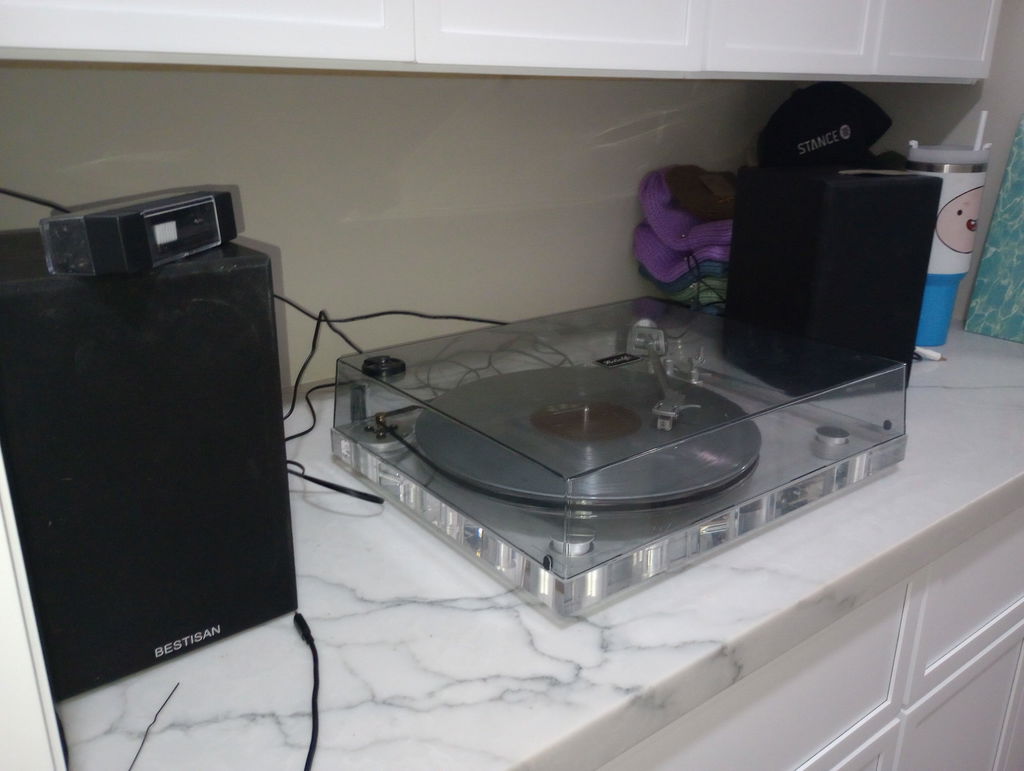
I bought this Bluetooth/aux player back in the summer and it has to be one of the best ones I've purchased,
First off the design is awesome being clear make it so you can see your record spinning but it also fits well with any aesthetic you have blending in it's very easy to set up and this just made me a returning customer highly recommend and worth the price!
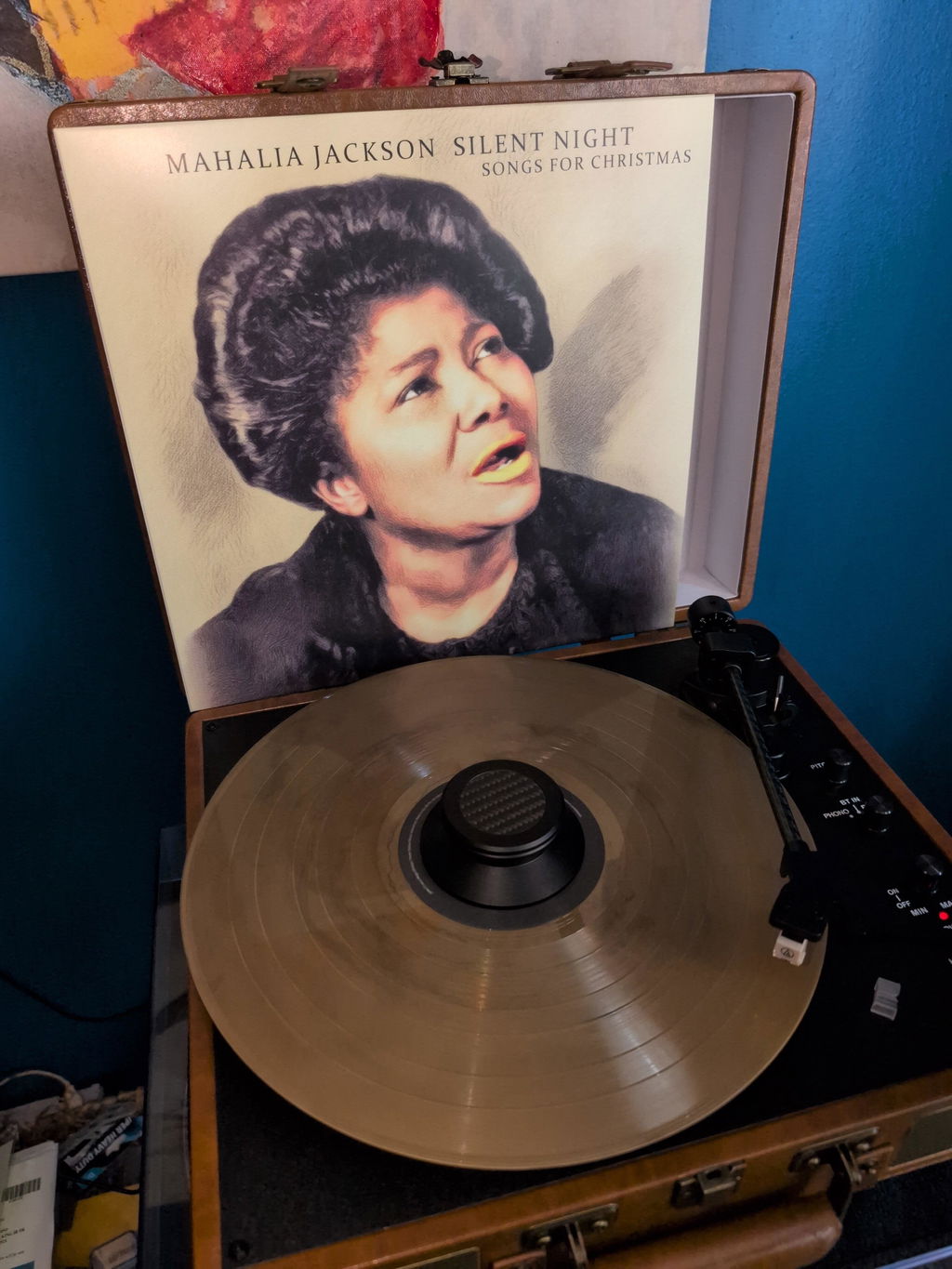
This unit was miss 45 adapter and RCA jacks. But over all I love it . It works well . Some time the auto stop, stops working . It has no platter wobble. It is a very good unit
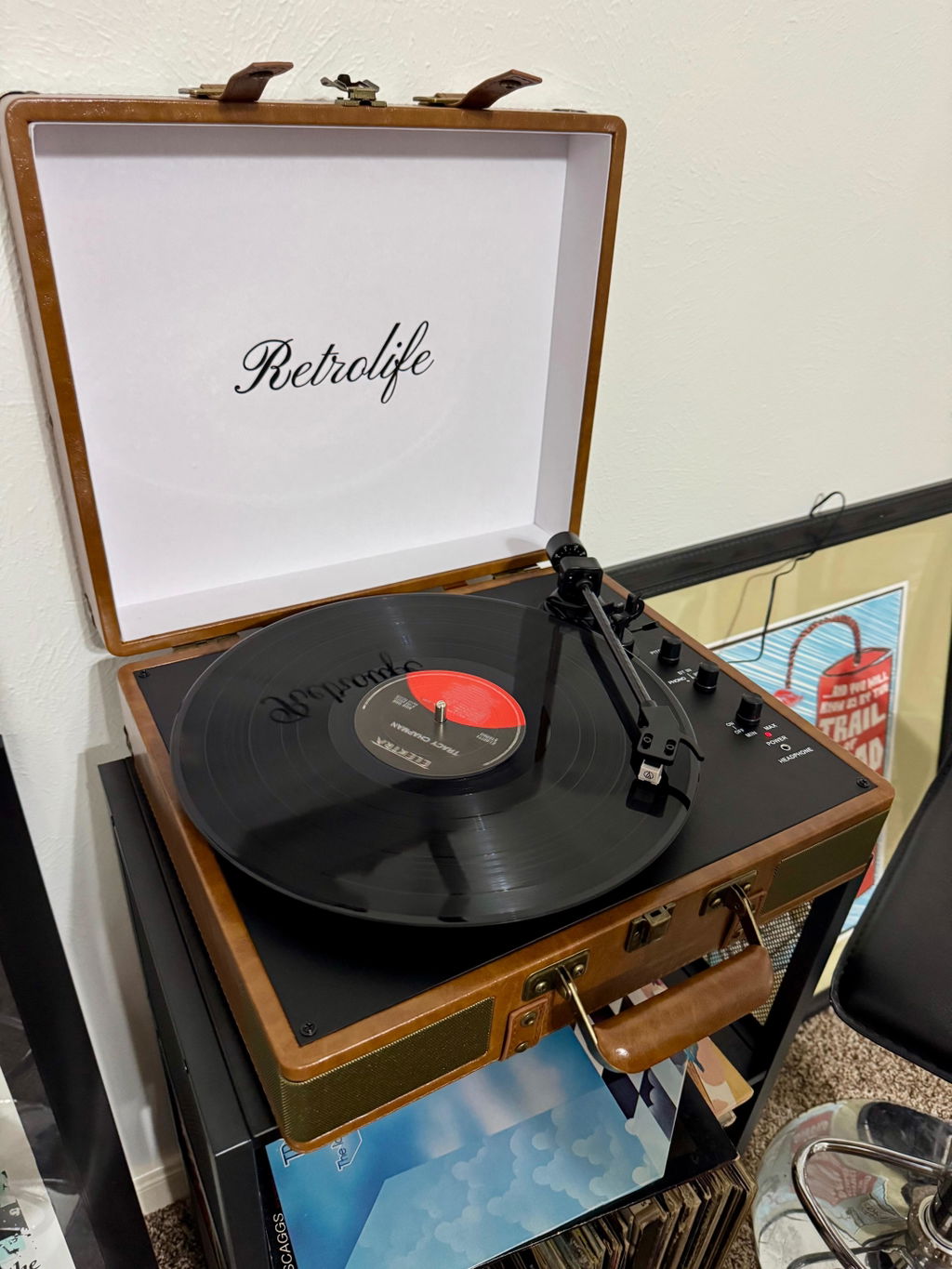
Retro life customer service is EXCEPTIONAL! They not only helped to expedite our order to arrive in time for my husband’s birthday, but they also checked in after the fact to make sure it arrived as planned. We just love the record player and appreciate the thoughtfulness from Retro life team, they were amazing to deal with.
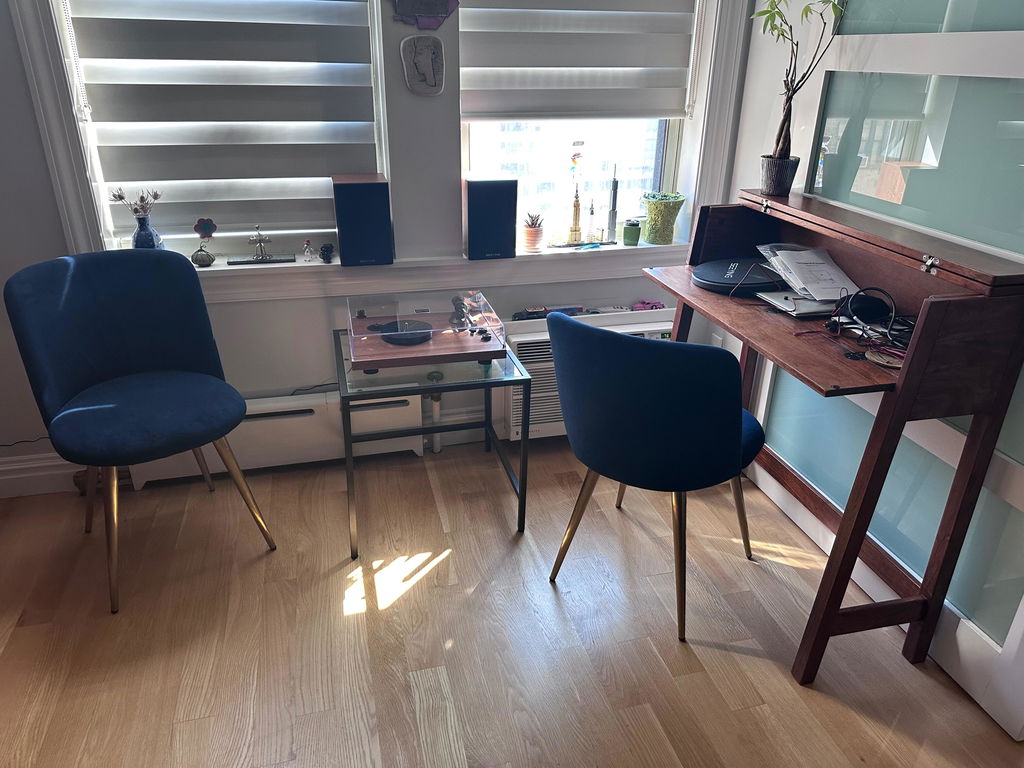
The turntable arrived promptly and was easy to set up. Have been enjoying listening to LPs every day since.
Good quality sound and looks great too. Only “issue” was space needed to open dust cover required more depth than the turntable base so i needed a different location than originally planned.
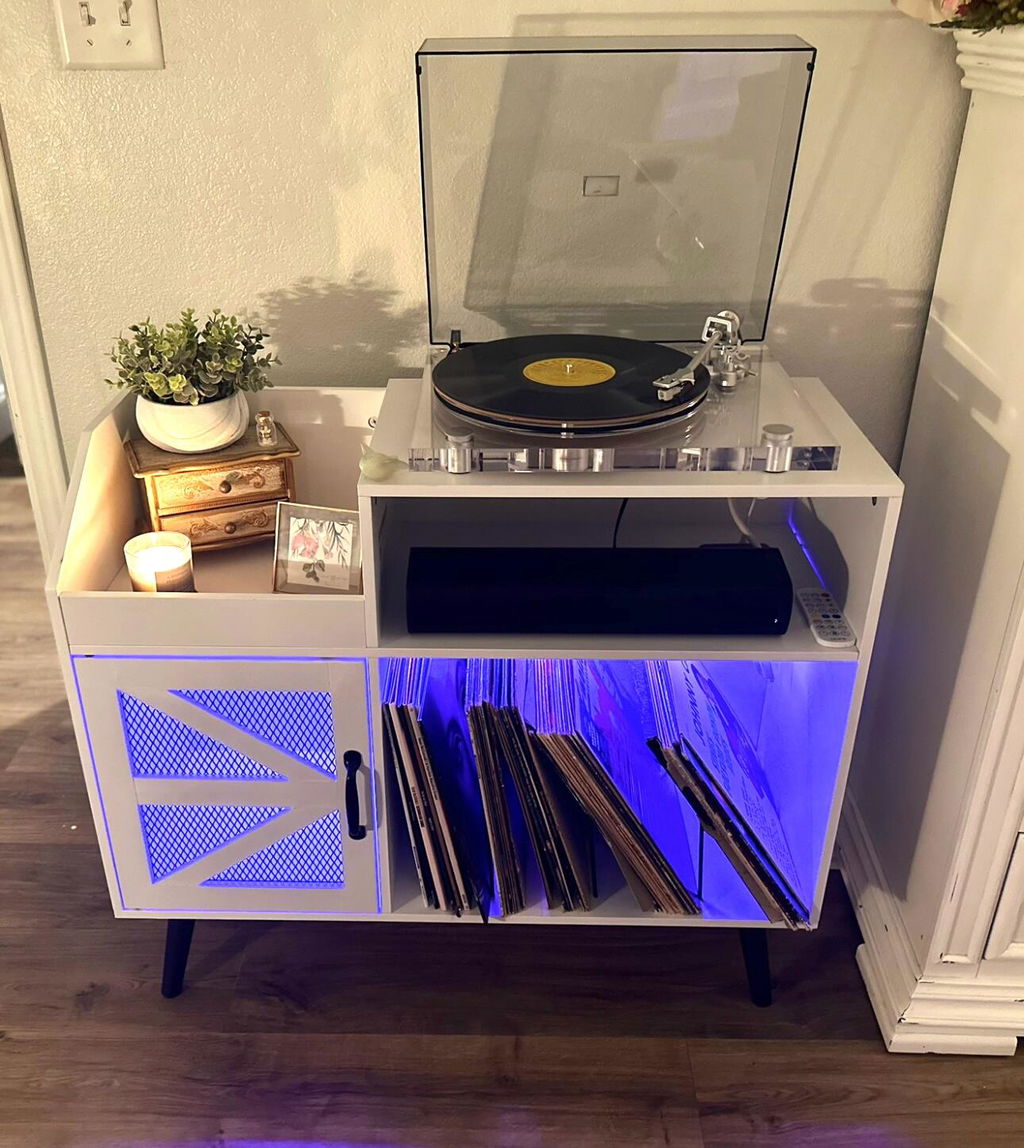
This record player is absolutely beautiful and a center piece for conversation! Great quality!!
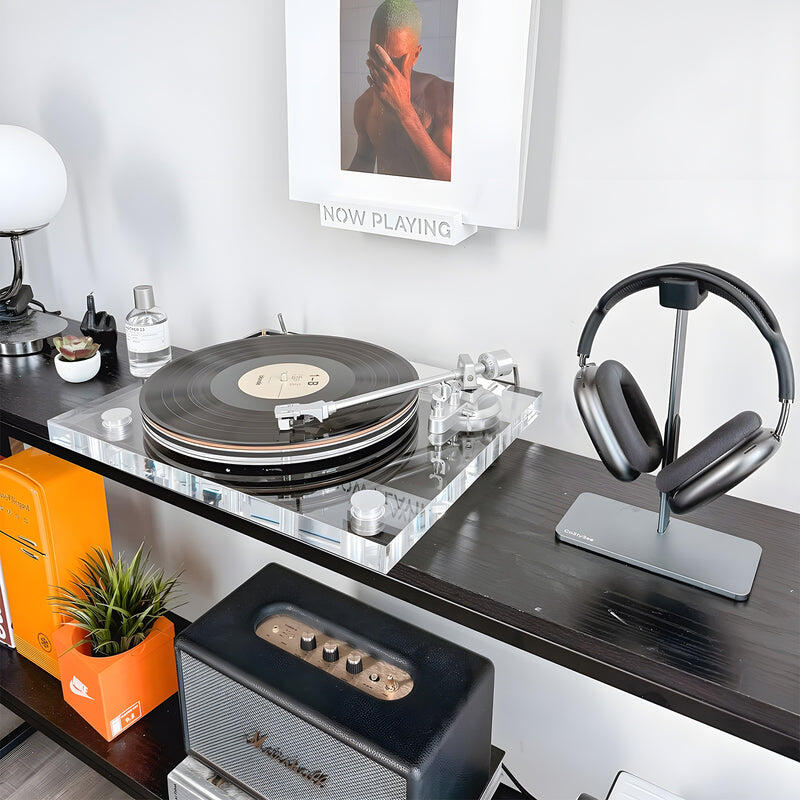
No frills, just all the good stuff. I was looking for something with more style and better sound. I've made the right choice. Getting the belt on was a few minutes of audible groaning, but after that i've spent many hours already this week enjoying my collection.
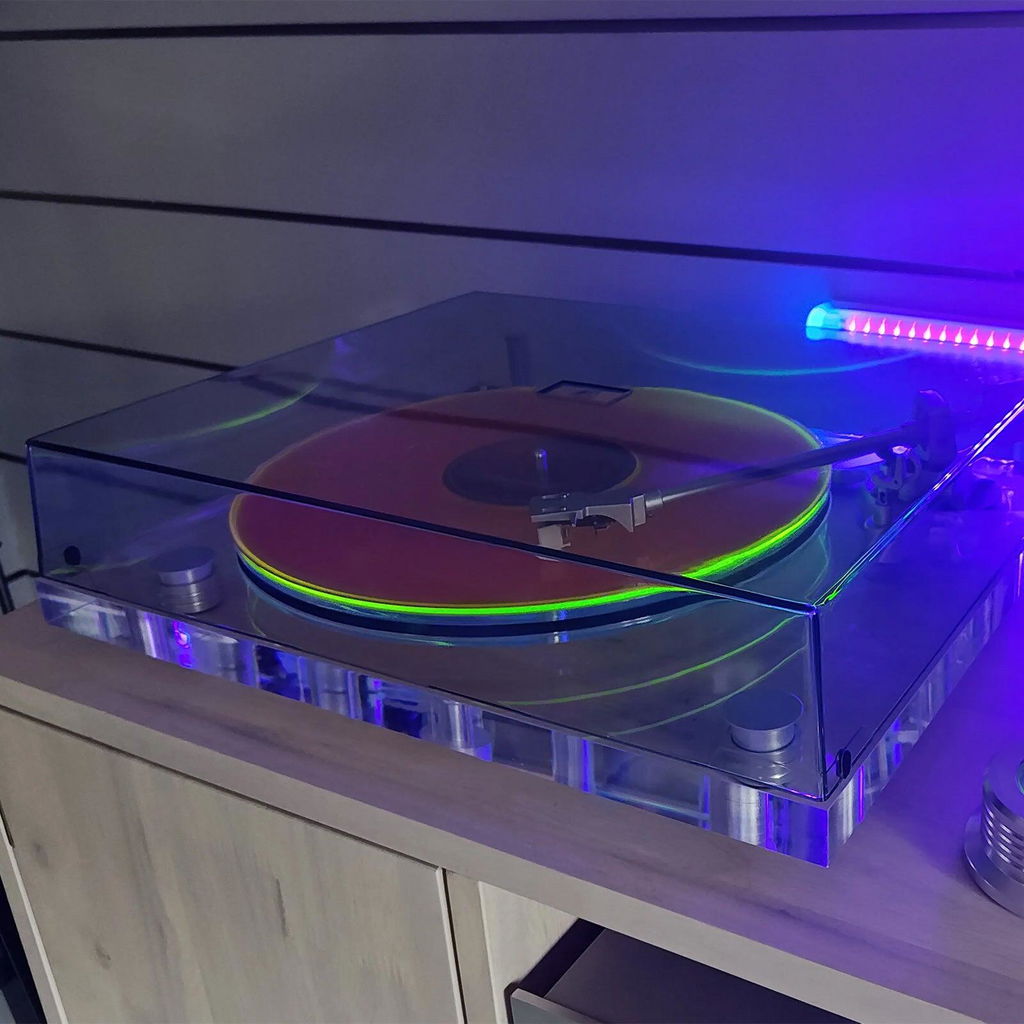
Quality build,great looks and sound. If you want quality affordability and Retrolife is your choice.
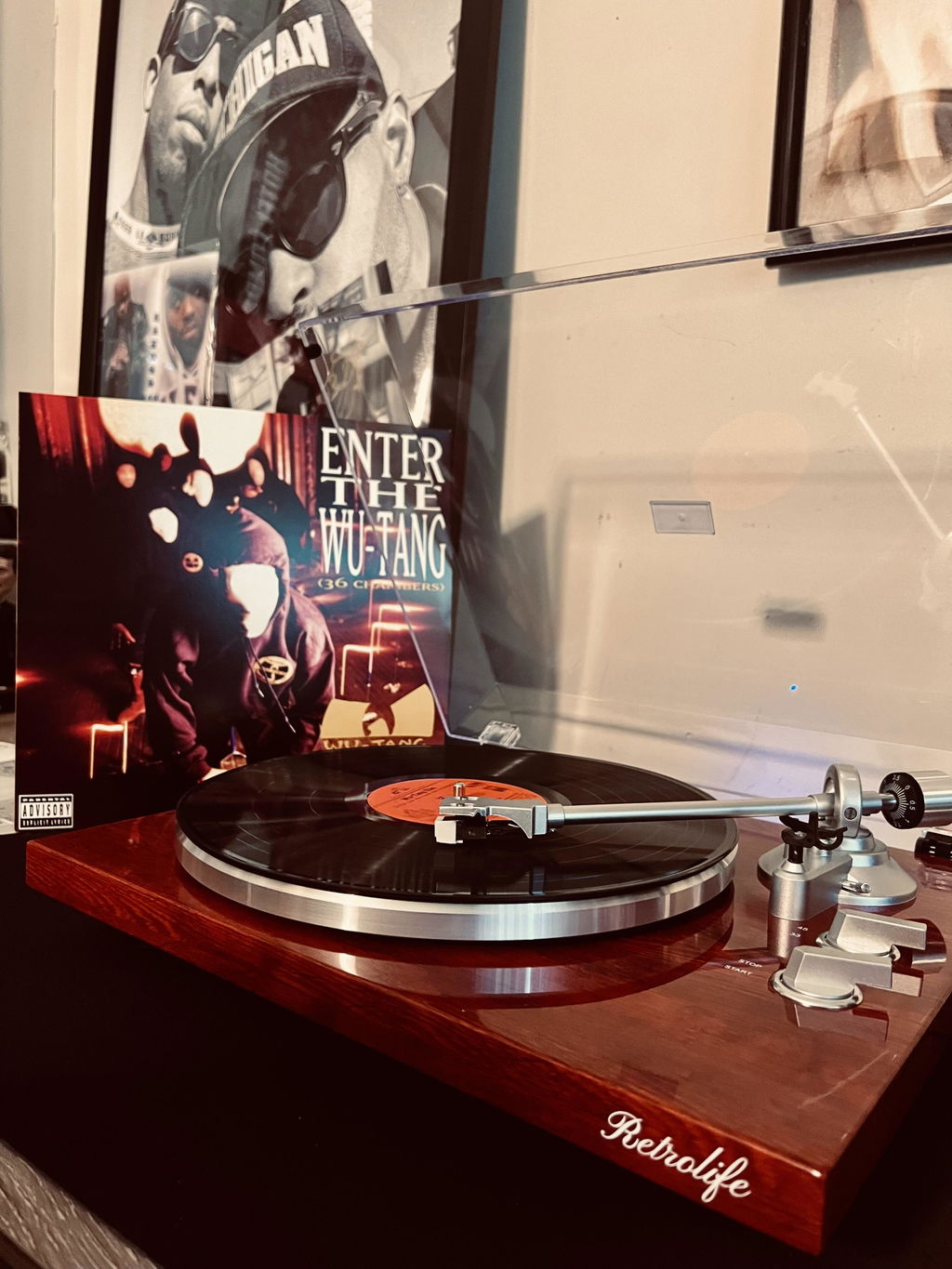
Amazing for the price and looks beautiful in the home with my records
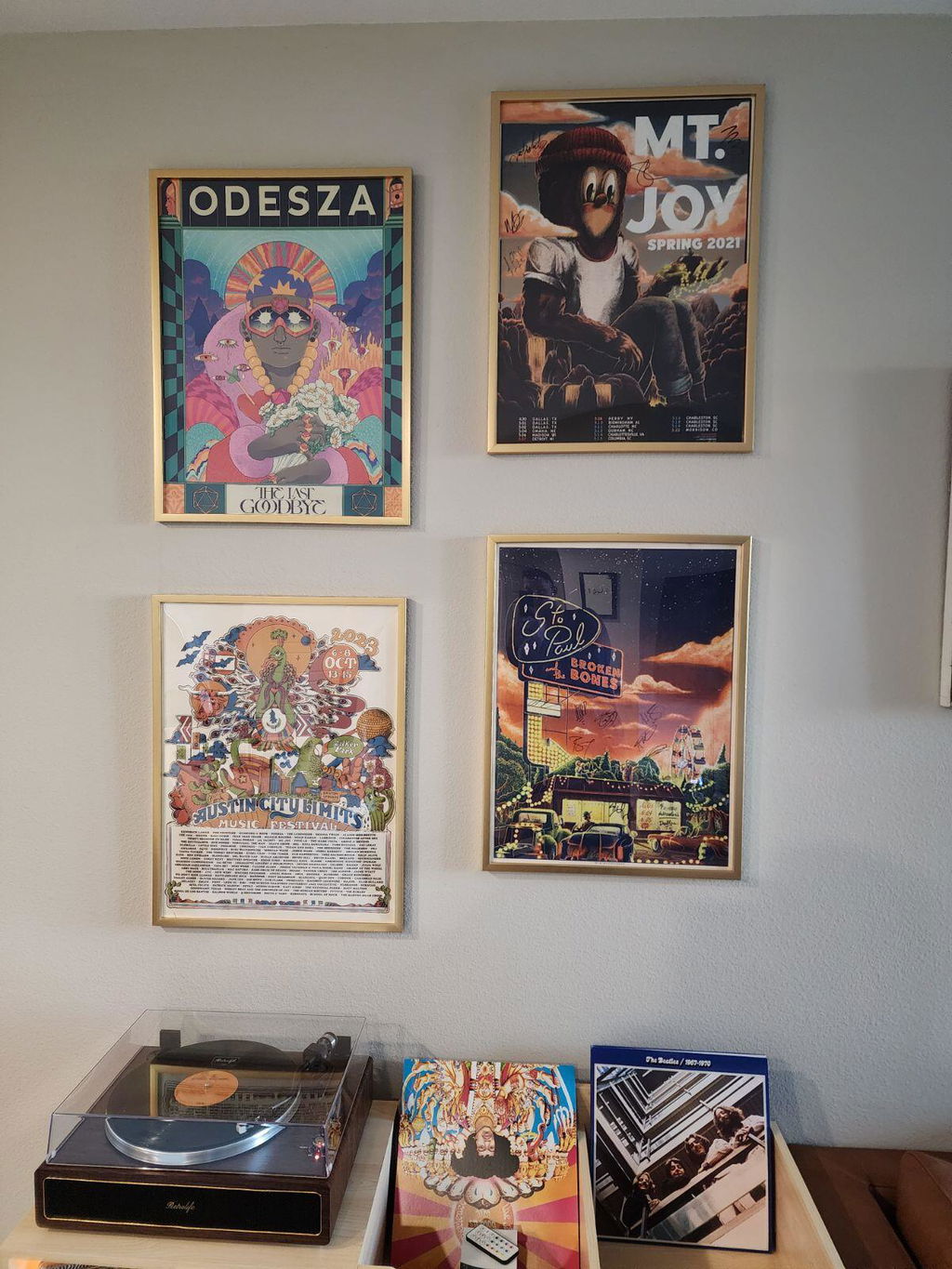
Looks great, sounds great. Perfect for the space. It's not SUPER loud but the sound quality is good - I live in an apartment so anything louder would probably kerfuffle my neighbors anyways. I love it so far!
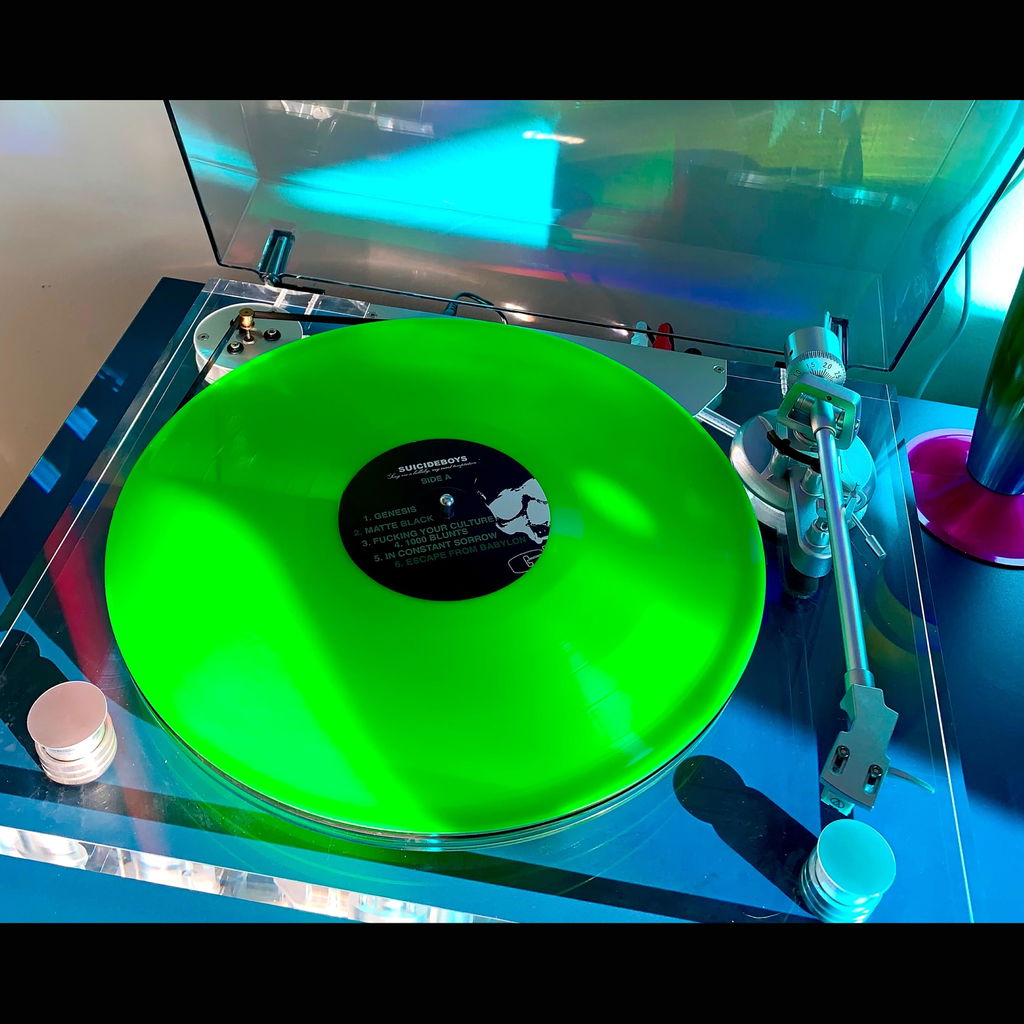
I absolutely love this turntable!! It's everything I hoped for and more! It's beautiful and great quality! 10/10 recommend!!!
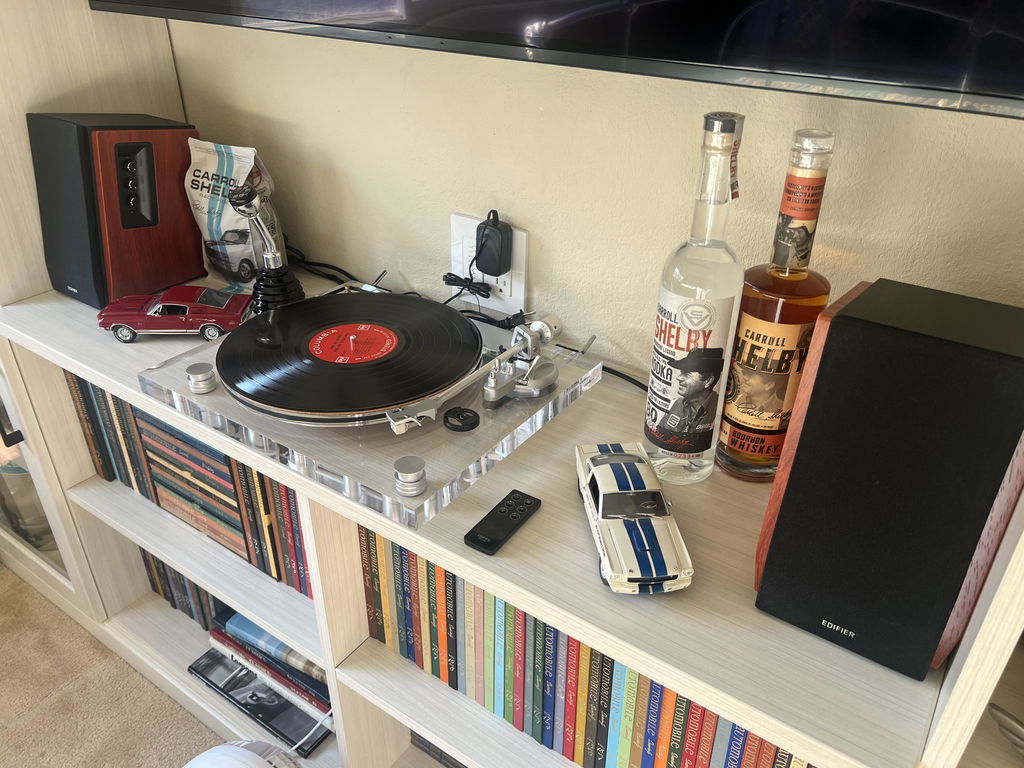
Retrolife sound, looks, far exceeded my expectations.Ą. Easy to set up.Ą my vinyls are back in action..45ĄŻs & 33ĄŻs.Ą with a sound that is amazing.Ą
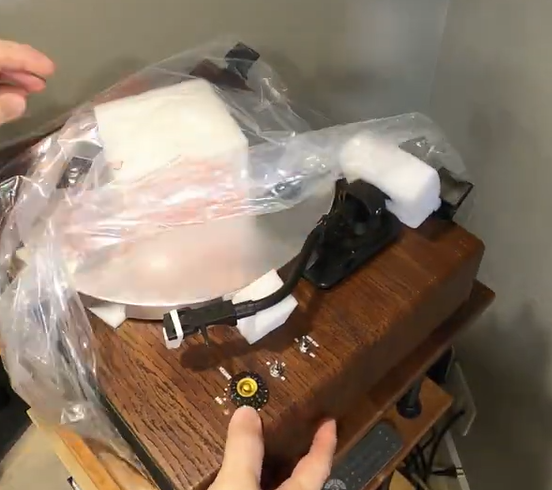
Awesome turntable. Great sound. Solid construction. Looks great!
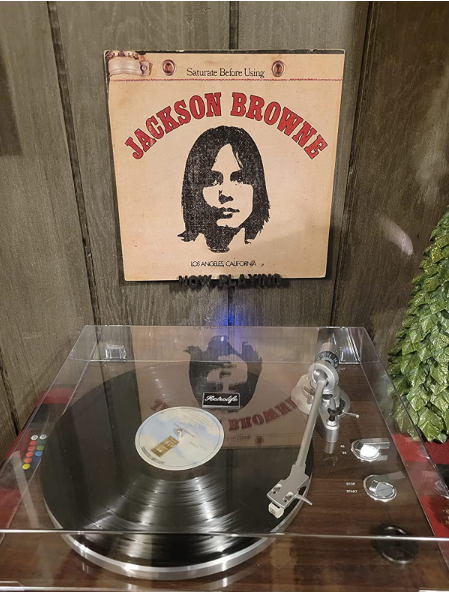
I am very happy with this turntable. It's beautiful and has the retro style I was looking for. I especially like that you can close the the cover while the record is playing. The Bluetooth connection works great once I get it connected. It will sometimes connect immediately and other times it takes a while, which could be something with my signal on my soundbar. I have recommended this player to others that are looking.
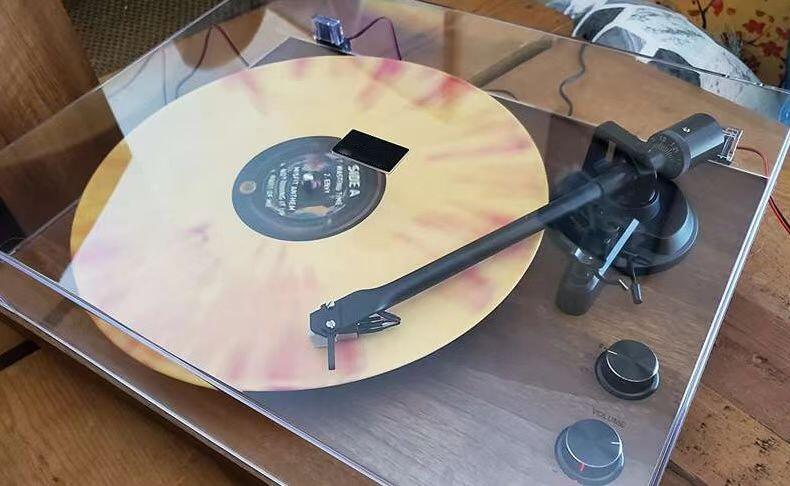
Love this turntable, it looks great in a room nice enough to decorate and sounds great. I have received a lot of compliments from friends and neighbors who want to buy their stuff there. The bluetooth works great and I love being able to play it from my phone when I want to listen to one of my records I also love playing podcasts on it while I'm cooking. I think the player is loud enough that I can hear it well in other rooms, but my husband would prefer to buy some other speakers, but I think this record player already fits my needs well enough that we want it to be louder.
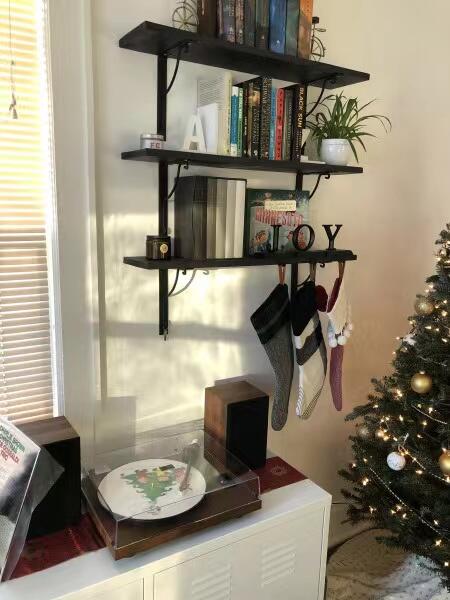
The sound is as good as you'll find in this price range, and the turntable has all the features you need, such as counterweight, anti-slip, and a lift mechanism for tonearm, bluetooth and RCA jacks to connect external speaker systems.
I'll talk about my favorite product - it's very stylish. I bought myself one for my birthday. I remember the record player from my childhood - these are warm memories. This Hi-Fi and dust cover is a huge plus. Having a speed switch is very handy. Be fascinated by the chic sound, the depth of frequency, the ease of use. A good, harmonious design that is pleasing to the eye. All contents and features stated in the description correspond. The most important thing to my satisfaction is the delivery, they were sent very quickly in high quality packaging - everything in the box is individually quality protected! I can certainly recommend this turntable.
Frequently Asked Questions
-
Start with how you plan to listen to your records. An all-in-one record player with built-in speakers is convenient and requires less additional equipment. A turntable with external speakers gives you more flexibility when building your audio setup. If you want wireless listening, check whether the model supports Bluetooth output. You should also consider supported record speeds, audio connections, cartridge type, and available space.
-
The terms are often used interchangeably. A record player commonly refers to an all-in-one unit with built-in speakers, while a turntable often refers to a device designed to connect to separate speakers or an audio system. However, product naming varies, so always check the included components and specifications before purchasing.
-
Bluetooth input lets you stream audio from a compatible phone, tablet, or other device to the record player's speakers. Bluetooth output lets you transmit audio from a playing vinyl record to compatible Bluetooth speakers or headphones. Some Retrolife models support both functions, while others support only one. Check the product specifications to confirm which Bluetooth features are available.
-
First, check the turntable's audio outputs and the inputs available on your amplifier or speakers.
1. Turn off the connected audio equipment before connecting cables.
2. Connect the turntable's RCA output to a compatible audio input if both devices support that connection.
3. Check whether the turntable has a built-in phono preamp.
4. If it does not, use an amplifier with a phono input or a compatible external phono preamp.
5. Select the correct input on the connected equipment and turn the volume up gradually. -
No, not for basic playback if your selected model includes built-in speakers and you are satisfied with their sound and volume. Some Retrolife models are designed to work with external speakers instead.
-
First, check whether your Retrolife record player supports Bluetooth input, Bluetooth output, or both.
1. Turn on your record player and the Bluetooth device you want to connect.
2. Select the correct Bluetooth mode on your record player according to its user manual.
3. Put your phone, tablet, Bluetooth speaker, or headphones into pairing mode, depending on the connection you want to use.
4. Open the Bluetooth settings on your device and select the appropriate device when it appears.
5. Once connected, start playing audio and adjust the volume to a comfortable level.
Bluetooth setup varies by model. If your device does not appear or the connection fails, check your model's user manual or contact our support team.